Configure a separate proxy for each connection profile
-
I am using Auto FTP Manager for home use and it works perfectly. I want to recommend it for use at work, but we have a complicated network configuration with different network connections to reach each branch office. My question is, does Auto FTP Manager allow a different proxy setting for each connection profile?
-
Auto FTP Manager allows you to configure a proxy setting for each connection profile separately.
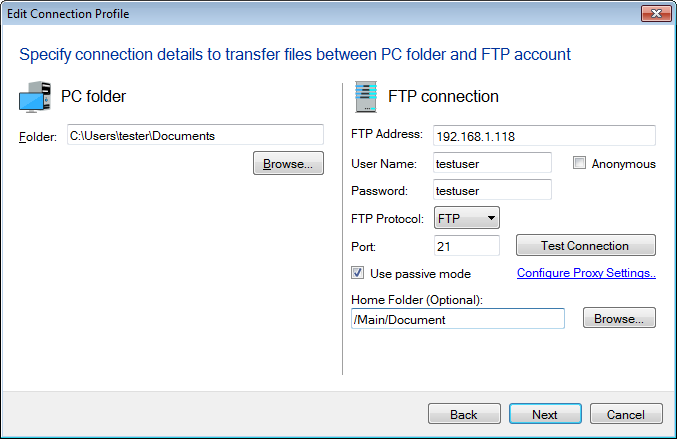
You can configure the proxy setting when creating a connection profile.
When creating a connection profile, click on the Configure Proxy Settings link.
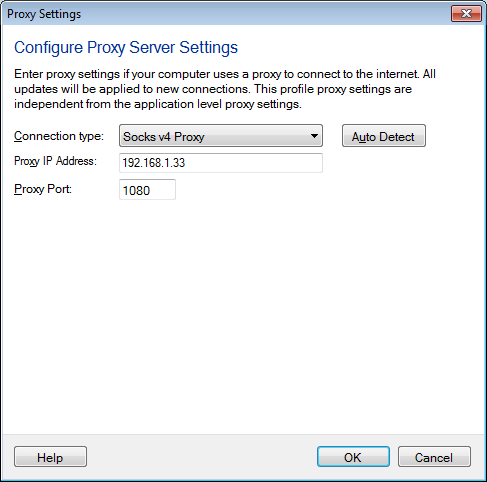
On the Proxy Settings dialog, choose the Connection Type from the drop down list. You can select the socks 4 & 5, HTTP, or FTP proxy connection as needed. Click on the Auto Detect button to detect the Proxy settings configured in Internet Explorer.