
Change the appearance of the text label shown on the webcam preview
-
I am using WebCam Monitor for video surveillance. The camera works fine with the software, the only thing I would like is a bit darker and easily viewable text label on the camera preview. How can I adjust it?
-
The wording on the WebCam Monitor camera preview is a Text Label. You can make the Text Label bold and add a background color to make it more visible on the screen.
To adjust the text label, right click on the camera preview and select Edit camera option. On the labels tab, double click on the already added text label.
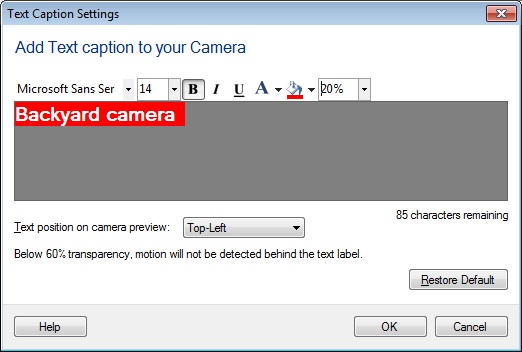
Change the font color, size, style, background color using the formatting toolbar options. Adjust the transparency level for the text label. Click Ok to save the changes. Now the text label will be easily noticeable on camera preview.