
Customizing the camera display name
-
I am using WebCam Monitor with my Logitech webcams to keep an eye on my backyard. It works well, but instead of Logitech C900E, I want to put a more accurate name on the camera like “Backyard cam”, “Backdoor camera” etc. Can I do this?
-
In WebCam Monitor, you can change the camera display name and use any general name for the camera. You can also add a text label on the camera preview.
To change the camera name, right click on the camera preview and select the Edit camera option. You can change the Display name. Enter a name like ‘Backyard cam’, ‘Backdoor camera’.
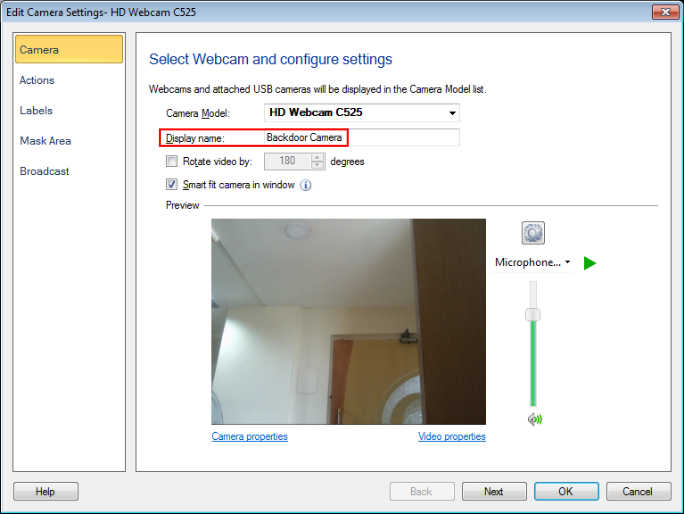
Now, go to the Labels tab and click on the Add Text button. Enter the name to be displayed on the camera preview. Click Ok to save the settings. The text label will be always displayed on the camera preview. This will help you easily identify the camera.