Watching broadcast video from multiple PCs
-
I want to use broadcasting to view the broadcast video stream from my USB camera. Is it possible to watch the broadcast video from multiple computers or is there any restriction on the number of viewers?
-
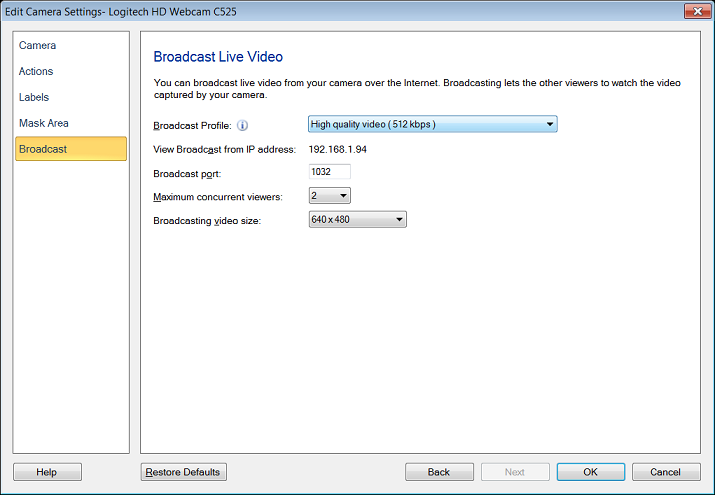
To configure the IP address and broadcast port number in WebCam Monitor, use the 'Broadcast' tab on the Edit Camera dialog. When you start broadcasting your USB camera video, a broadcast url will be displayed on screen. You can use this URL to view the broadcast stream on another computer.
You can watch the broadcast video from any machine that has an internet connection. Windows Media Player or VLC player is required to view the stream. You can set the number of allowed viewers, the maximum is 5.