
Setting recording duration after a motion trigger
-
Is there any provision in WebCam Monitor to set the duration for video recording once the motion trigger event occurs?
-
Yes, WebCam Monitor allows you to set the recording duration after last motion trigger event. You can do this by clicking on ‘Configure’ button on Actions tab for Video recording.
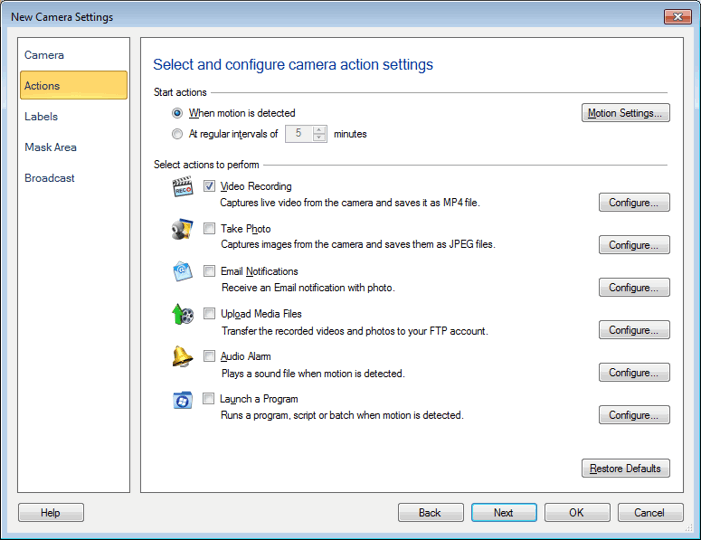
You will see the following window, where you can adjust the duration by selecting a value from the drop down:
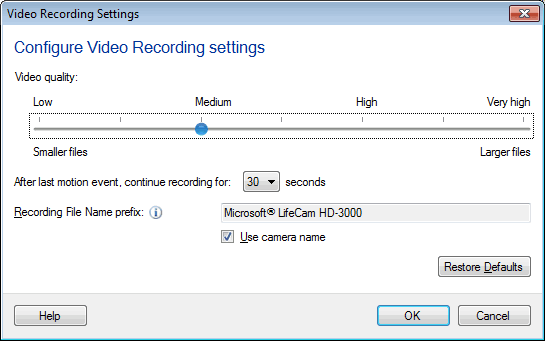
For more information about video recording settings see this link:
https://www.deskshare.com/help/wcm/video-recording.aspx