
Moving to a new PC - how can I copy my FTP settings?
-
Hi,
I am changing PC's. Please tell me how to import the FTP setting into the new laptop?
thanks!
-
It is easy to copy your FTP settings of Auto FTP Manager from one PC to another.
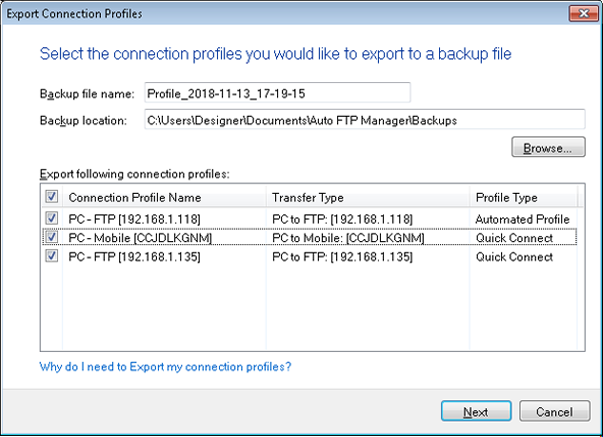
First, you have to back up your connection settings from your old PC. Go to File >> Export Profiles from your old laptop. This will create a file ending in .afmp. Here is an illustration:
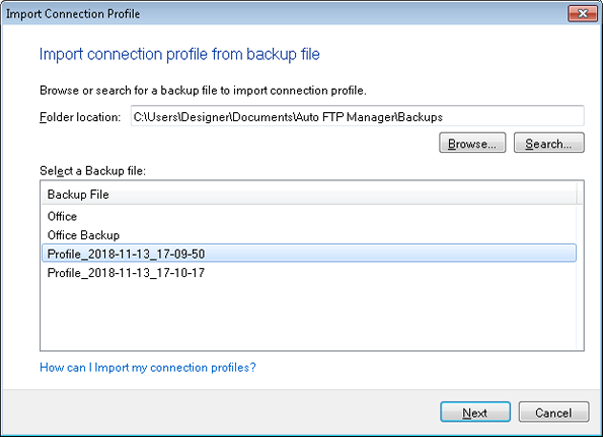
Now go to File >> Import Profiles on the new laptop to import for FTP settings. Click Next to select the profiles you want to import.
This way you will get all connection profiles and settings on your PC.