Capturing 10 photos from the webcam every minute
-
I have to capture 10 photos from my webcam after every minute. How can I do this with your webcam software?
-
This can be easily done using the regular interval monitoring in WebCam Monitor.
Add your USB camera in WebCam Monitor and select regular interval monitoring from the Quick Access. Set the interval to 1 minute.
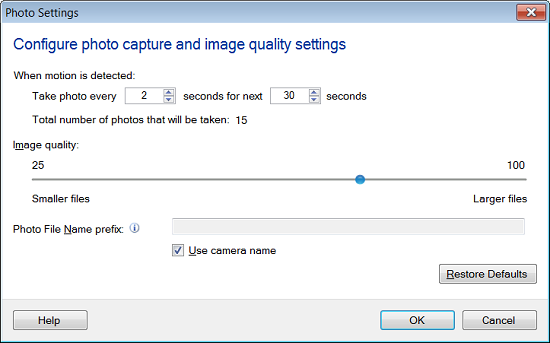
Select the ‘Take Photo’ action and click on the configure button to open Photo Settings. Next, set the number of photos you want to capture to 10. Finally, start the monitoring to capture photos at the regular interval of 1 minute.