
Hiding the part of webcam view while streaming
-
I am using WebCam Monitor to stream a feed from my webcam. I want to hide some of the area on the camera view so that viewers can't see it. Is this possible?
-
Yes, you can do this in WebCam Monitor.
Use the image label to hide the area on your camera view.
Go to the Edit camera window and select the Labels tab. Click on the ‘Add Image…’ button.
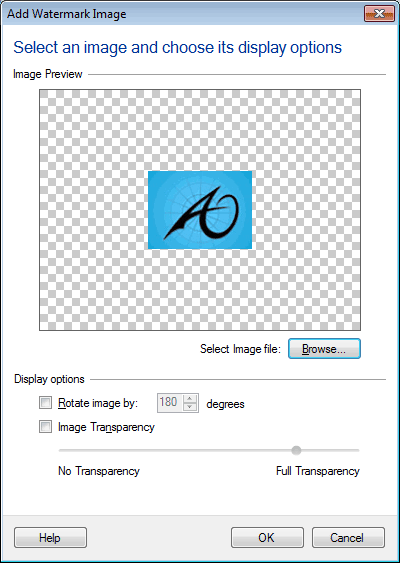
Select the image file using the ‘Browse’ button. Set the transparency level at ‘No Transparency’ i.e. 0%. Place this image label on the area of camera view which you would like to hide.