
Running a script on a motion alert in WebCam Monitor
-
I have written a script for when an alert is triggered and I want to run it when motion detection occurs. Is this possible with WebCam Monitor?
-
Yes, WebCam Monitor allows you to run a program when motion is detected.
Go to Edit camera and select the ‘Actions’ tab. Choose the ‘Launch a program’ action.
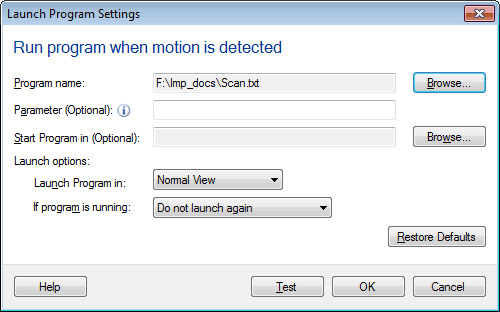
Select your script using the ‘Browse’ button, you can also specify parameters if required. Check whether your script is running or not using the ‘Test’ button. Finally, start motion detection monitoring. Now, when a motion alert is triggered, your script will run.