
Upload multiple screen recordings simultaneously
-
Can you please explain how to use My Screen Recorder Pro to upload a set of screen recordings in one go?
-
You can use the Upload Media Files feature in My Screen Recorder Pro to upload the screen recordings in a single batch.
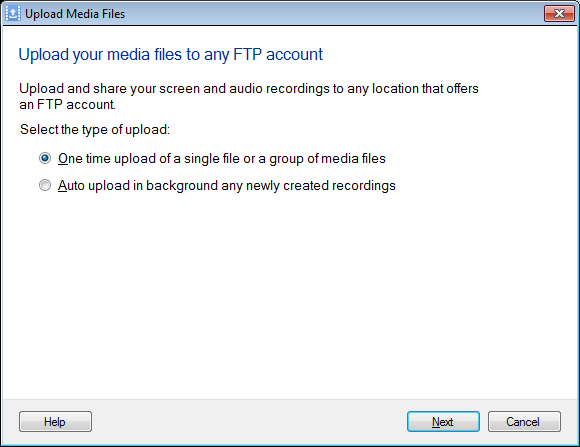
Create your screen recordings and click on the Upload icon on the tool bar. By default the ‘One time upload of a single file or a group of media files’ option is selected. Click on the Next button.
Specify the information required to connect to the FTP server. On the next page, click on the Add button to select the screen recordings. Once you have added the screen recordings, click on the Next button to start the file upload.
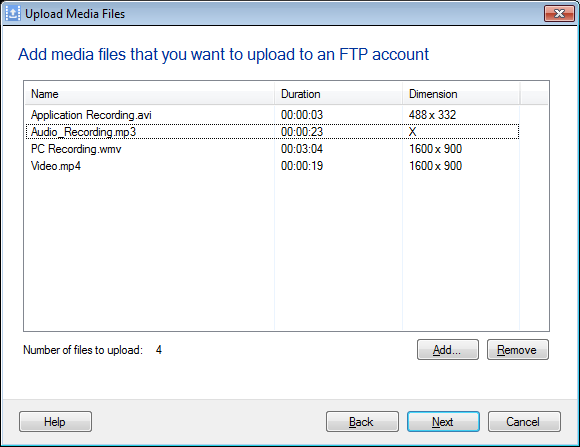
Using this method, you can upload a single or a batch of screen recordings at a time.