Uploading screen recordings to a web site using FTP
-
I created some sample screen recordings using My Screen Recorder Pro. I want to put the screen recordings on my website using FTP, can My Screen Recorder Pro upload to my server?
-
Use the Upload feature in My Screen Recorder Pro to transfer your recordings to the FTP server.
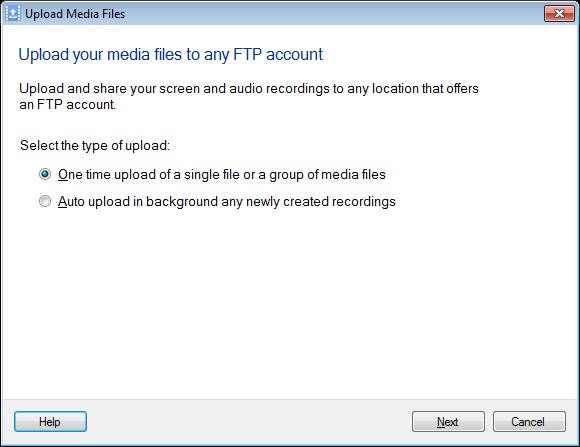
After creating a screen recording, click on the Upload option on the tool bar. You can choose One time upload of a single file or a group of media files to perform a quick transfer or select Auto upload in background any newly created recordings.
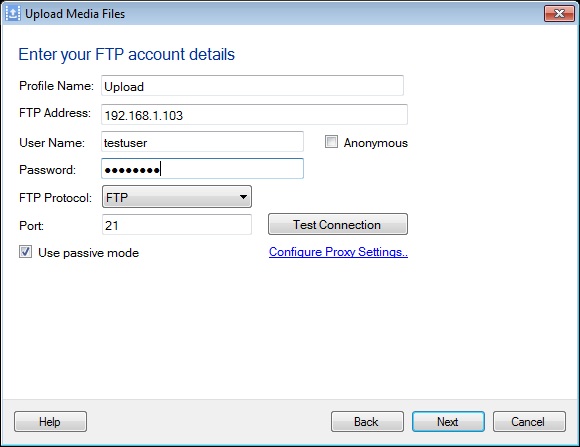
Click the next button and create a new profile. You will need to enter the FTP address, port number, user name and password.
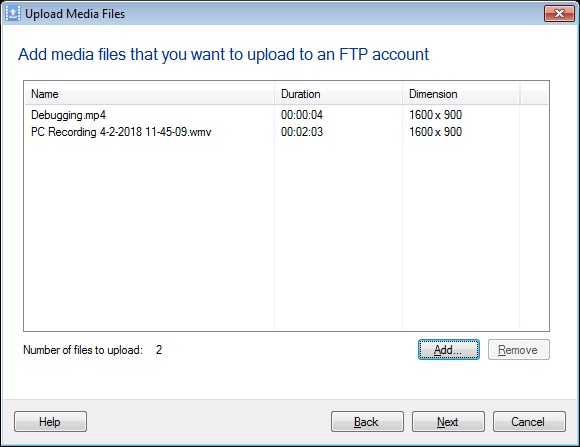
After adding the FTP profile, click on the Next button to select recordings to upload on your FTP server using 'Add' button. Once the files are added then click next to start the upload process. You will see the status of the upload process.