Marking the text and listen to it later on
-
I like Text Speaker and I am using it to read a long book. I have a question- can I mark text in the book and listen to the marked text later on?
-
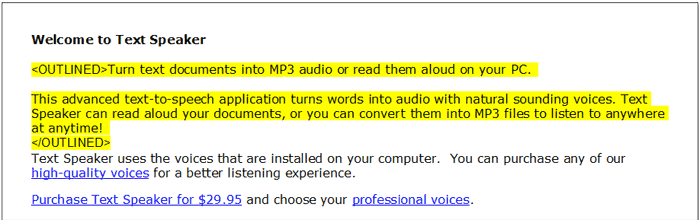
You can use the outline area feature in Text Speaker to mark the text for listening at another time.
Open your document in Text Speaker and select the text which you want to mark. Right click and select ‘Outline Area’. Repeat this for all the text which you want to mark. Save the file.
To listen to the marked text, open the file in Text Speaker. Go to the ‘Speak’ menu and select the ‘Speak Outlined Text’ option.