Video recording on first camera while taking a picture from the second
-
I have four IP cameras connected in Security Monitor Pro. I want to record video on one camera and take pictures on the second. On the third and fourth cameras I would like to send a email whenever there is motion. How to configure these settings?
-
Security Monitor Pro makes it very easy to run different actions on each camera.
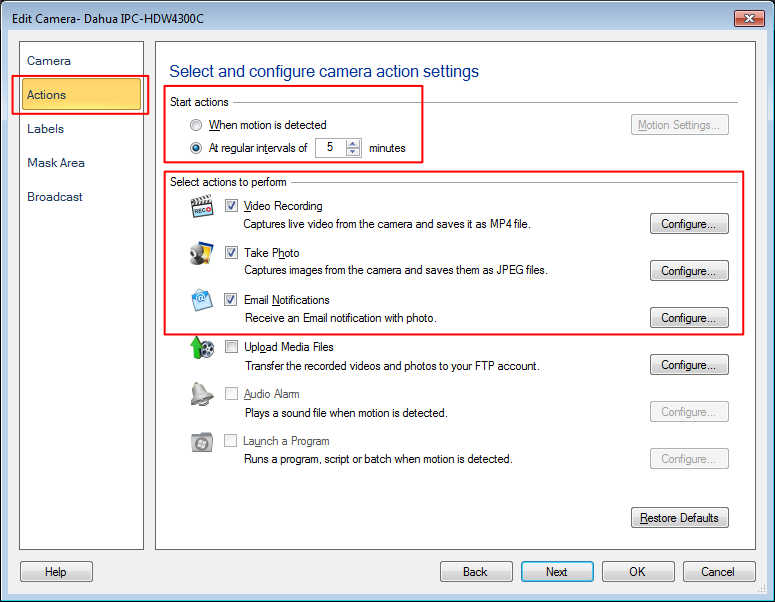
To configure the actions for a particular camera, right click on camera preview and select 'Edit Camera' option. On actions tab, choose the action you want to perform. Similarly configure actions for other cameras as well.
Once you have the actions configured on multiple cameras, go to the 'Monitor' option on tool bar, select the cameras and start monitoring.
You can also add a schedule to automate the monitoring process. This is useful when you are away from home. The scheduler is flexible and you can configure it to run at night, or on weekends.