Removing the count down timer at the start of screen recording
-
I am using the evaluation version of My Screen Recorder Pro. I would like to skip the count down timer shown before the start of screen recording. Is it possible?
-
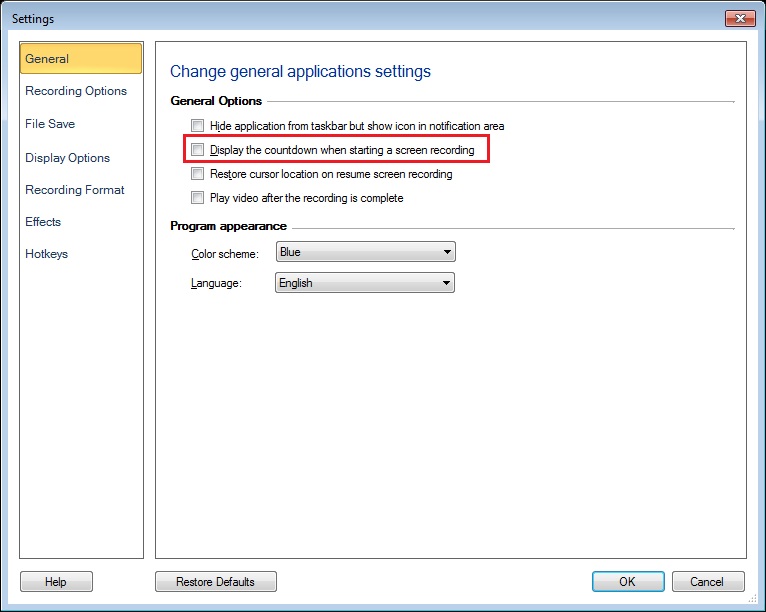
You can remove the countdown shown at the beginning of screen recording in My Screen Recorder Pro. Go to Settings and uncheck the ‘Display the countdown when starting a screen recording’ option.
Make a test recording and note that the countdown is no longer shown.