
Recording my voice with My Screen Recorder
-
I want to record just my voice to create audio files. Can I do this using My Screen Recorder?
-
You can use My Screen Recorder for recording audio only.
To record audio, go to the ‘Tools’ menu, select ‘Audio Recorder’ option.
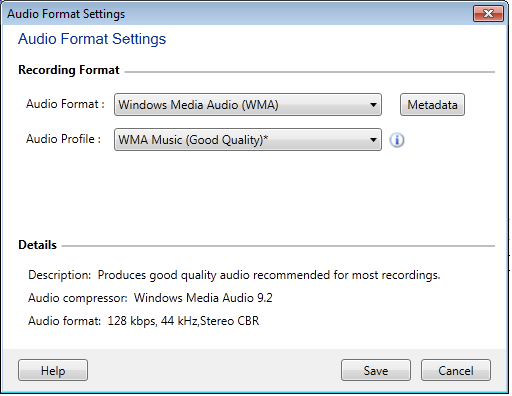
Select Audio Format and audio profile or create a Custom profile. Click on the 'Save' button and start audio recording by clicking on the red colored button.