Recording a video playing on the desktop
-
I'm looking to record a video playing on my desktop's screen. I don't want to capture everything around it, just the video itself. Can your software do this?
-
Yes, you can use the custom region recording feature in My Screen Recorder to do exactly what you want.
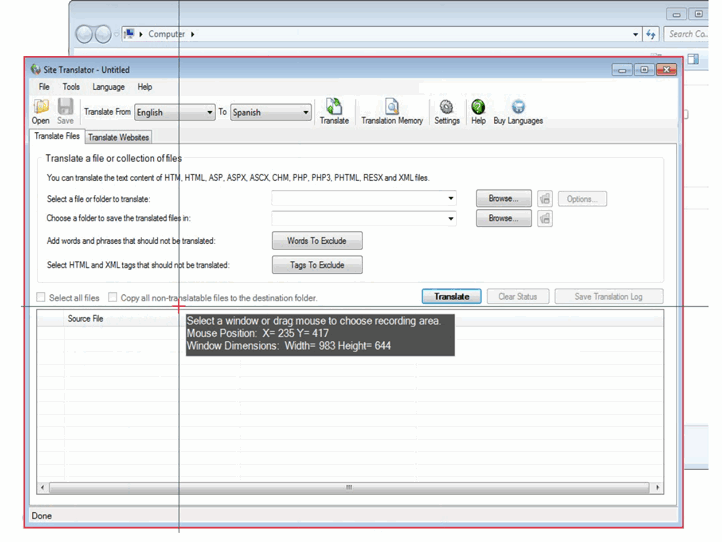
Select a running Window application or a region of your screen with the Custom Region settings. When you select a region, all the video, icons, windows, and files within that Custom Region are recorded.
To make a Screen Recording of a Custom Region of the PC Screen, click File >> Record >> Recording Options >> Select Custom Region in Record screen dropdown.
On selecting the Custom Region option, the mouse pointer changes to a crosshair. Drag the crosshair across the desired area on your desktop to select the region of the screen to record: