Reading text files at scheduled times using Text Speaker
-
Can I use Text Speaker to read different text files at scheduled times?
-
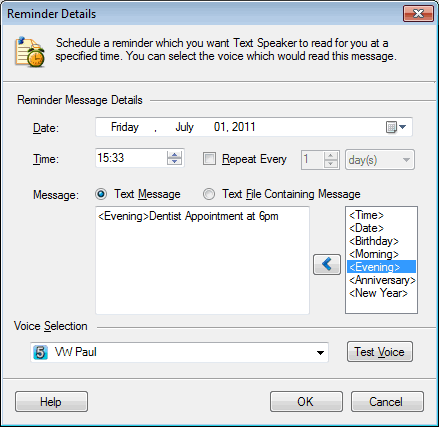
You can use talking reminders in Text Speaker to read text files at different times.
Create a talking reminder with your date, time and repeat interval values. Select the ‘Text File Containing Message’ option and browse for your text file. Note that the reminder will only read the first 1000 words from the file.
Similarly add a new reminder for another text file and set a different time. Your files will be read aloud at the specified time.