Recording only a single application window on the screen
-
Every time I start screen recording it records the whole screen. I want to record only a specific application windows shown on the screen.
-
You can use the custom region recording in My Screen Recorder to capture the single application window.
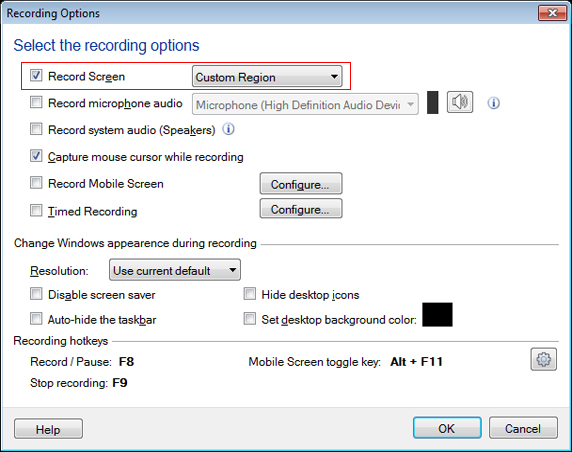
When you click on the Record icon on the toolbar, select the 'Custom Region' option in the drop down.
Once you click the Ok button, a crosshair mouse pointer will be shown. Drag this pointer across the application window you want to record. Start screen recording, and now only the selected area will be recorded.