
Record the screen only when there is activity occuring
-
Can I record my screen only when there is some activity going on?
-
My Screen Recorder Pro supports screen recording when motion is detected.
Click on Settings and then go to 'Recording Options' tab.
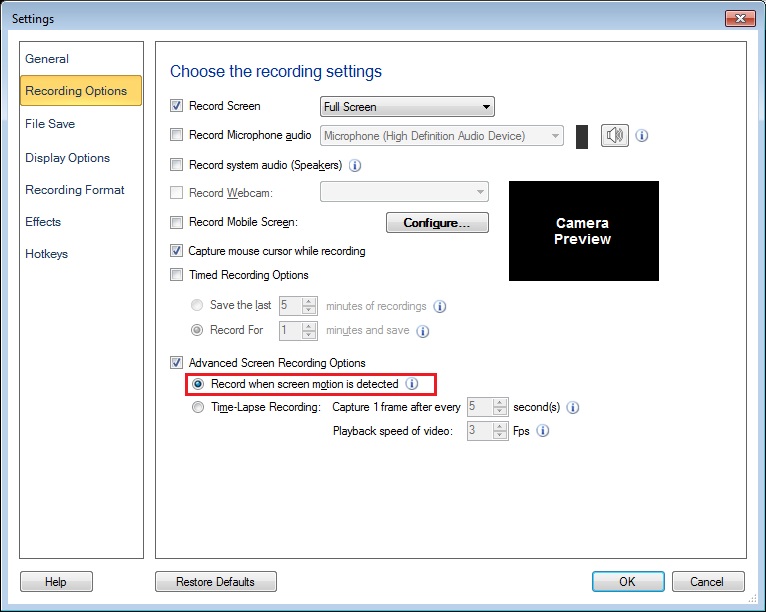
Check the option ‘Advanced Screen Recording Options’. Then select ‘Record when screen motion is detected’ option. Please note that audio is not recorded with motion detection.