
Combining screen recordings in order
-
I have a bunch of short recordings and I would like to combine them into a single file in order. Please provide instructions on how I can get a single recording.
-
You can combine your screen recordings in My Screen Recorder Pro.
Click on the ‘Join Files’ icon in the tool bar. Add your files using the ‘Add’ button.
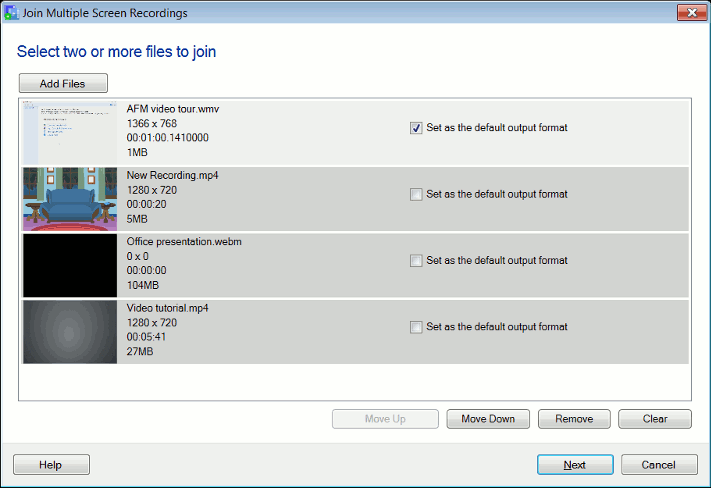
Arrange the order using the ‘Move Up’ and ‘Move Down’ buttons and click to continue.
See the following article for step by step details:
https://www.deskshare.com/resources/articles/msrpro-join-screen-recordings.aspx