Explain how to view each camera on a full screen on my phone
-
I used to be able to see each camera full screen when connected with Security Monitor Pro. Now I cannot, they just appear as thumbnails. Please explain how to get the cameras on full screen on my phone again.
-
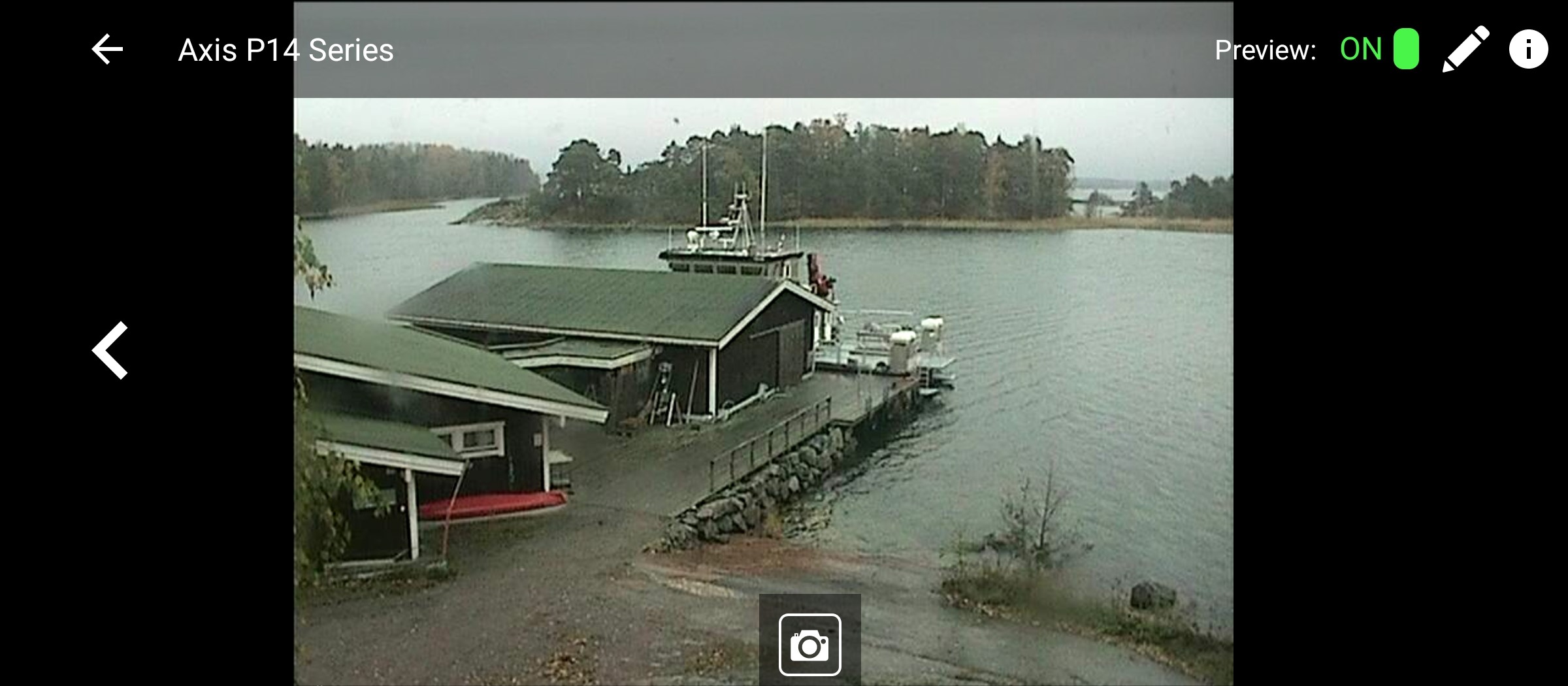
Full screen view is available by tapping on the thumbnail preview on the main screen. Once you tap the preview, the live video will be displayed in landscape mode on your phone. Here is a sample of full screen view of a camera -
[img=https://www.deskshare.com/forums/images/posts/IPCMpost6483.jpg]Full Screen view of camera connected to Security Monitor Pro[/img]
If you have multiple cameras you can use the left and right arrows on each side of the screen to scroll between the cameras. The picture icon at the bottom can be used to take a snapshot of the live video on your screen.